WE ARE HIRING
Computer Teacher
(Computer Trainer)
We are looking for a qualified and enthusiastic Computer Teacher to join our team.
Syllabus topics will be updated soon.

Choose payment method:
Course fee is picked automatically from this course price (online/offline mode).
Please login first to enroll and pay for this course.
Create your student account. A confirmation email will be sent, then enrollment continues from Choose Study Mode.
This email has more than one student account. Choose which account to log in.
Welcome to JSBE Institute
Thank you for registration. Login details have been sent to .
Student Registration Form
Complete your course enrollment — JSBE Institute
Tap a payment method to continue.
Your admission will be confirmed after payment verification at the study centre.
Your Admission Has Been Successfully Completed.
Please check your mail
Please fill the form in BLOCK LETTERS and attach self-attested copies of required documents.
Join JS Bright Institute and build your future with us.
We are always looking for passionate and dedicated professionals.
Explore exciting career opportunities with us
We are looking for a qualified and enthusiastic Computer Teacher to join our team.
We are looking for a skilled and passionate Beautician Teacher to join our team.
Fill in the details below to apply for job opportunities at JS Bright Institute.
Enter your registered mobile number to check your application status.
Quality Education Near You
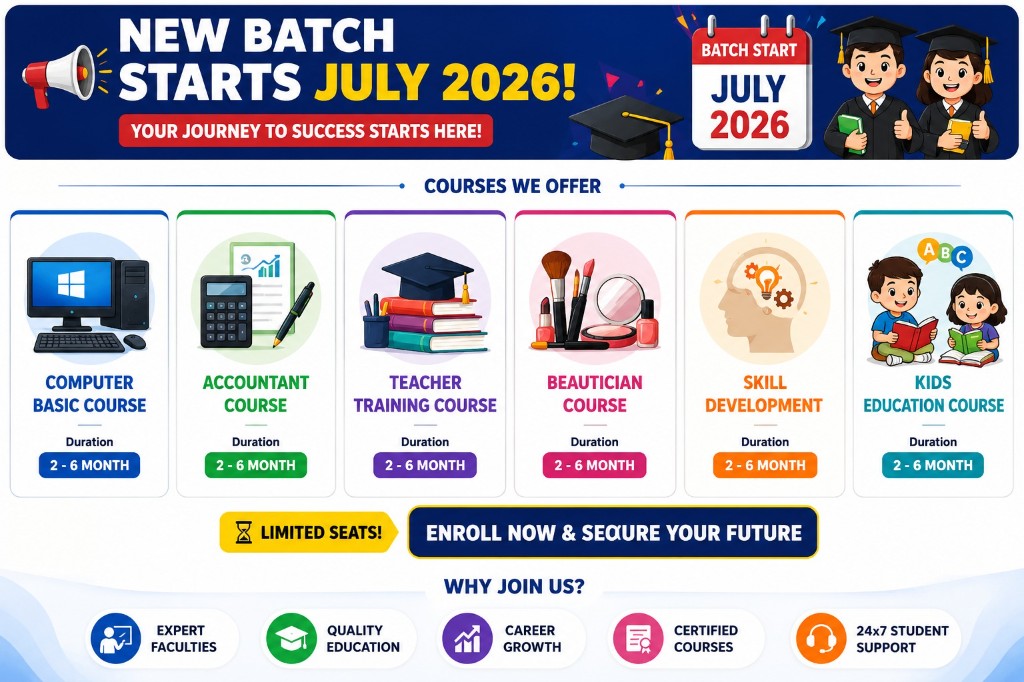
We are delighted to announce the launch of our new industry-oriented courses designed to build your skills and boost your career!
Create your account, then you will be enrolled in Web Development.
Create your account, then you will be enrolled in Data Science & Analytics.
Create your account, then you will be enrolled in Digital Marketing.
Create your account, then you will be enrolled in Graphic Designing.
Create your account, then you will be enrolled in Tally Prime.
Become our Authorized Franchise / Business Partner and grow with a trusted education network.
📞 +91 98142-08971 ✉ business@jsbrighteducation.com

Apply now to enrol in the selected festival course.
 1
2
3
4
5
1
2
3
4
5
Your Hard Work, Dedication & Determination Inspire Us All.
Fill in your details below and our team will contact you shortly.
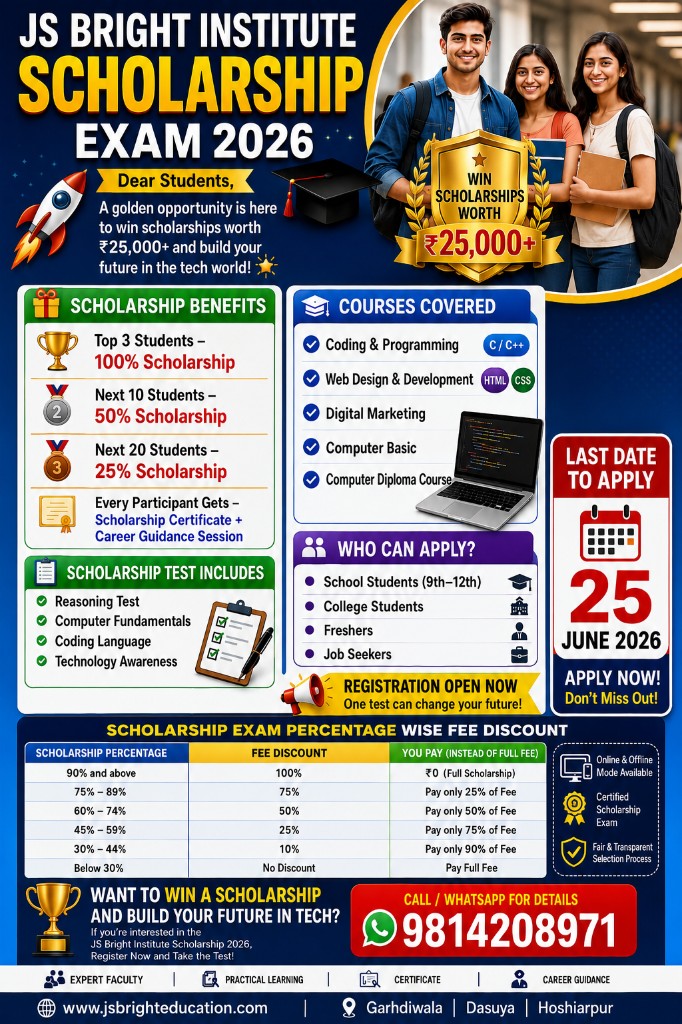
Answer all questions and click Submit. Result will be published after evaluation.
Dear Student,
You have successfully completed and submitted your Online Scholarship Exam.
Please keep your Registration / Exam ID safe for future reference.
Thank you for participating in the Scholarship Exam.
Thank you for participating in the JS Bright Institute Scholarship Exam 2026.
Our team is currently evaluating and preparing the final results.
SCHOLARSHIP RESULT WILL BE PUBLISHED SOON IN PDF FORMAT.
Complete Project Guidance & Development Support for Students
Complete Project Support From Anywhere
Visit Our Institute For Practical Project Support
Note: Final fee depends on project complexity, technology, documentation and requirements.



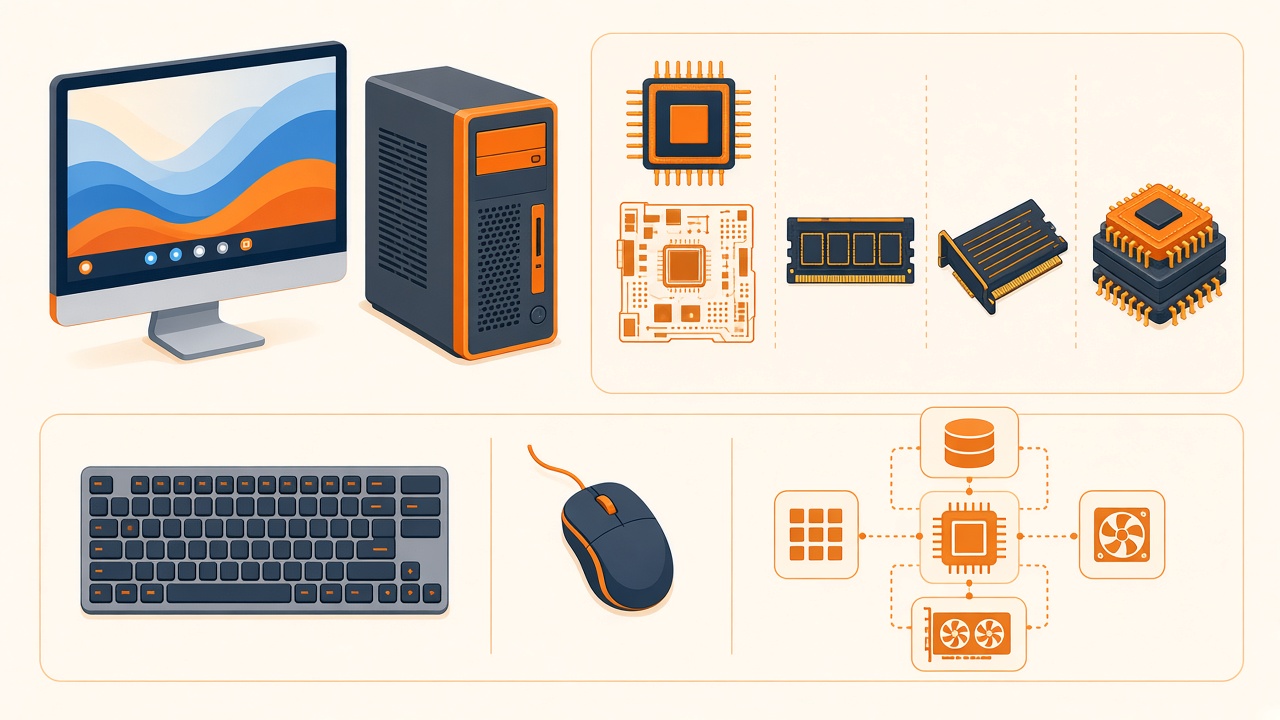



Register now and start learning online for FREE.
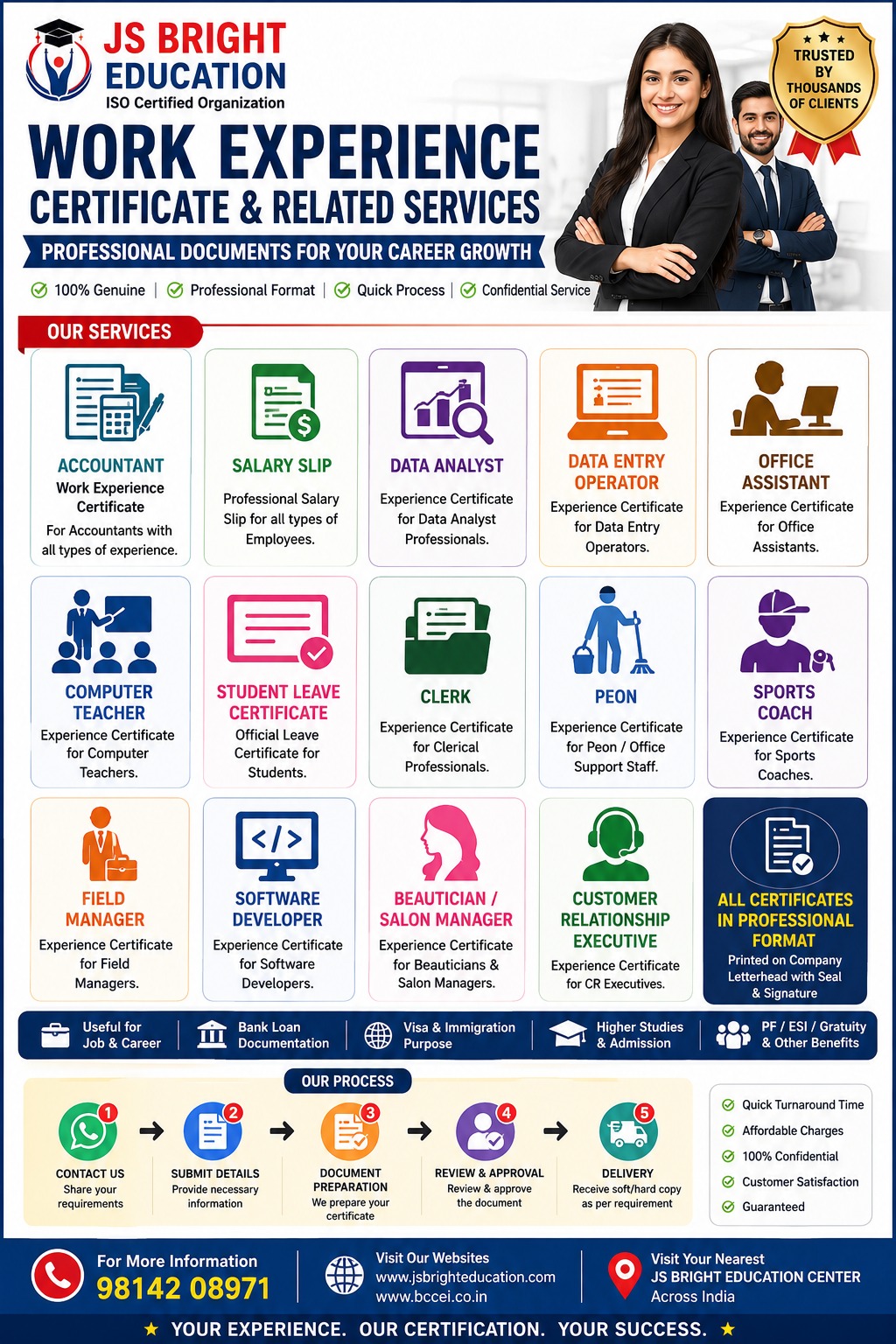
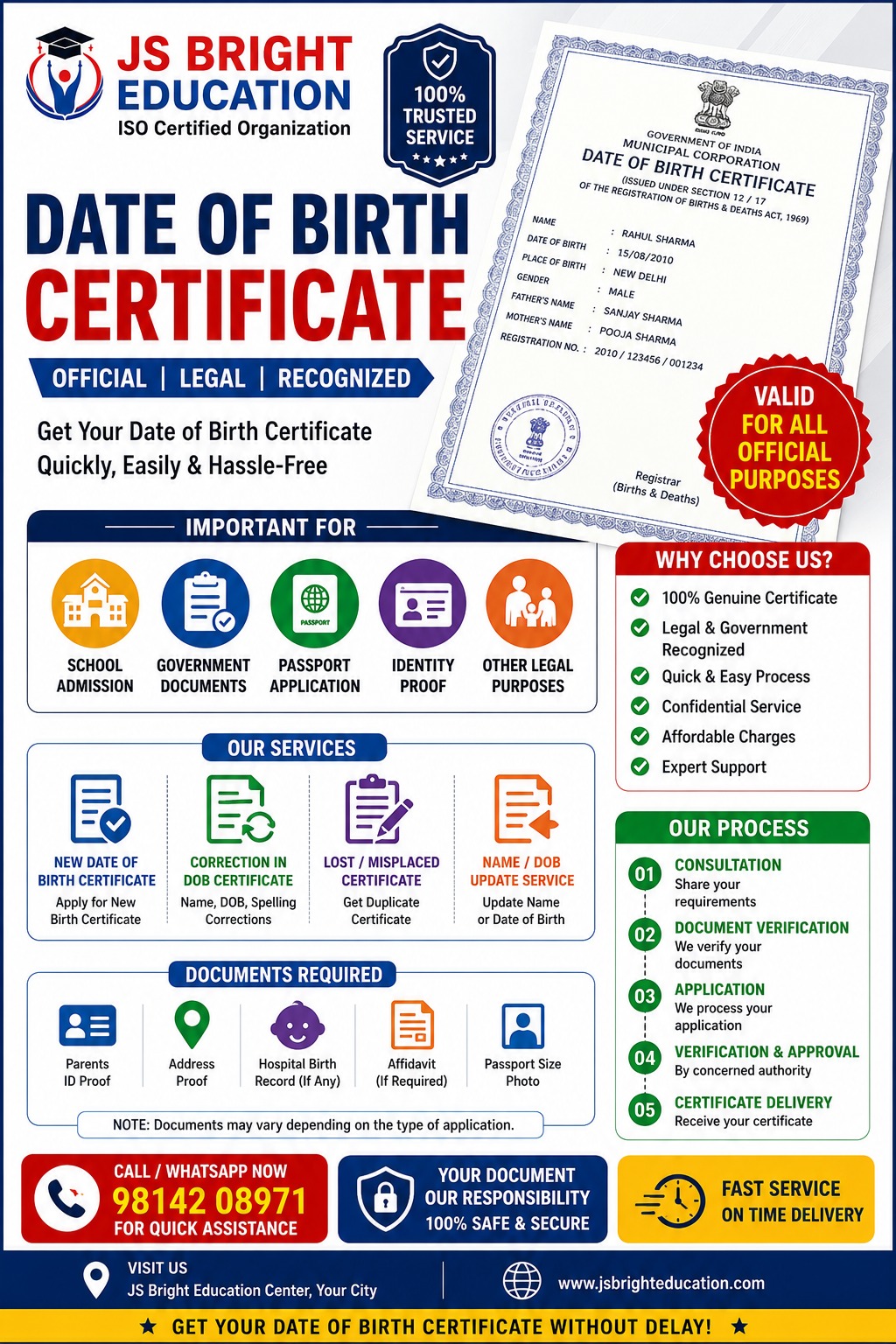


Build your future with our
UG and degree courses from UGC-approved universities. Study anytime, anywhere.
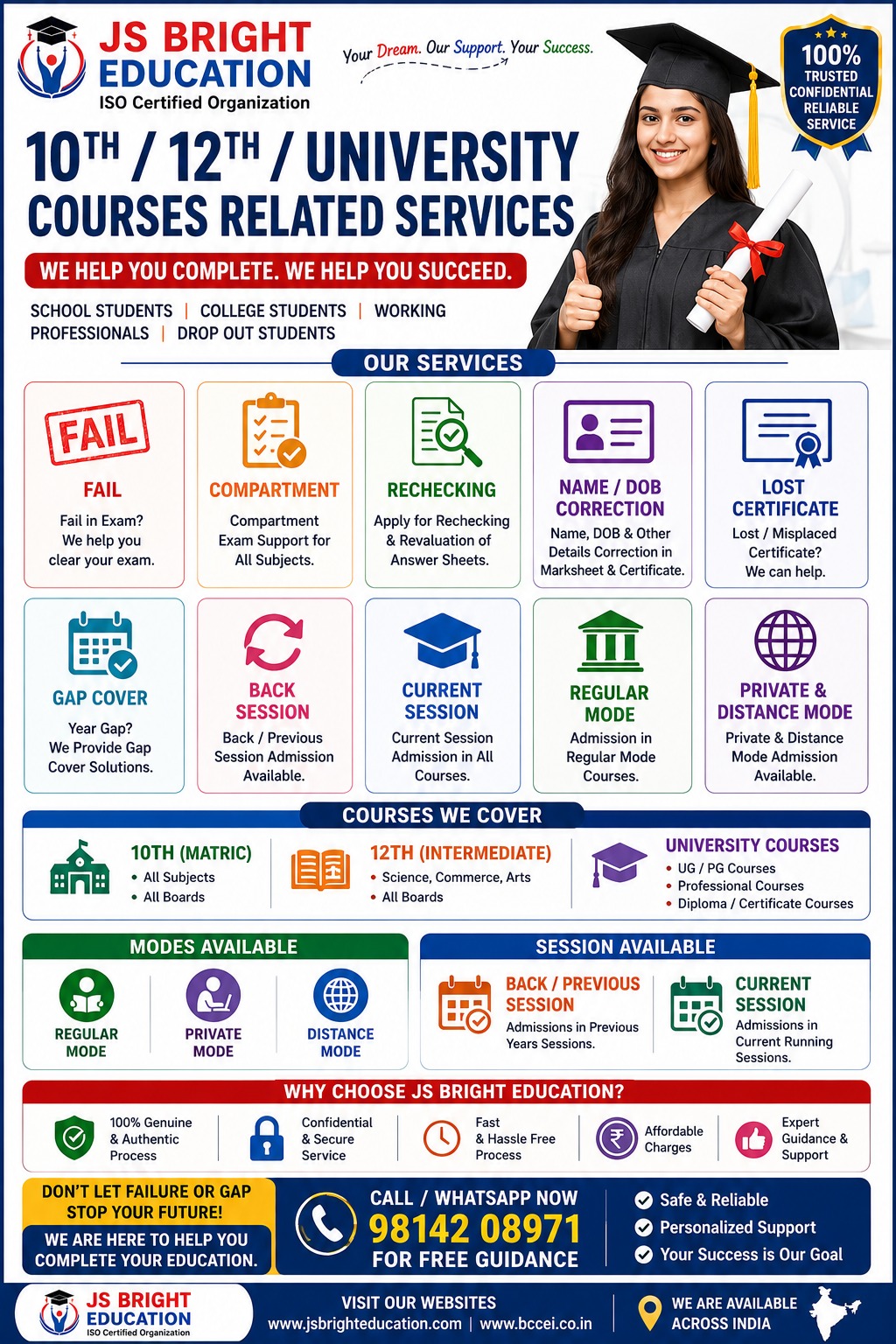
Compartment, rechecking, fail, re-evaluation students
New batch started 2026-27
New batch started 2026-27
Academic, General Training, Foundation, Speaking, Online, Crash Course and Coaching
Fill the admission enquiry form to join this IELTS programme.
Fill the admission enquiry form to join this IELTS programme.
Fill the admission enquiry form to join this IELTS programme.
Fill the admission enquiry form to join this IELTS programme.
Fill the admission enquiry form to join this IELTS programme.
Fill the admission enquiry form to join this IELTS programme.
Fill the admission enquiry form to join this IELTS programme.

Fill in your details below and our team will contact you shortly.